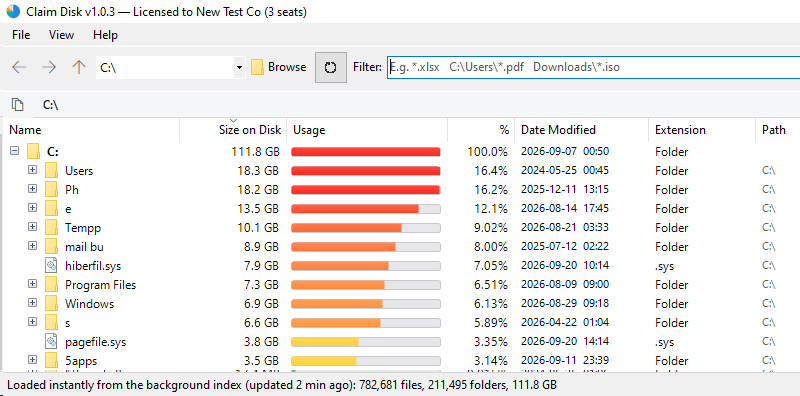
Claim Disk reads the drive’s own file table instead of walking folders, so the whole disk appears quickly, sorted by size and ready to clean.
Claim Disk is not only for finding what has filled a drive. The same index answers a direct question just as quickly: where is that file, what type is it, and how many copies of it are there?
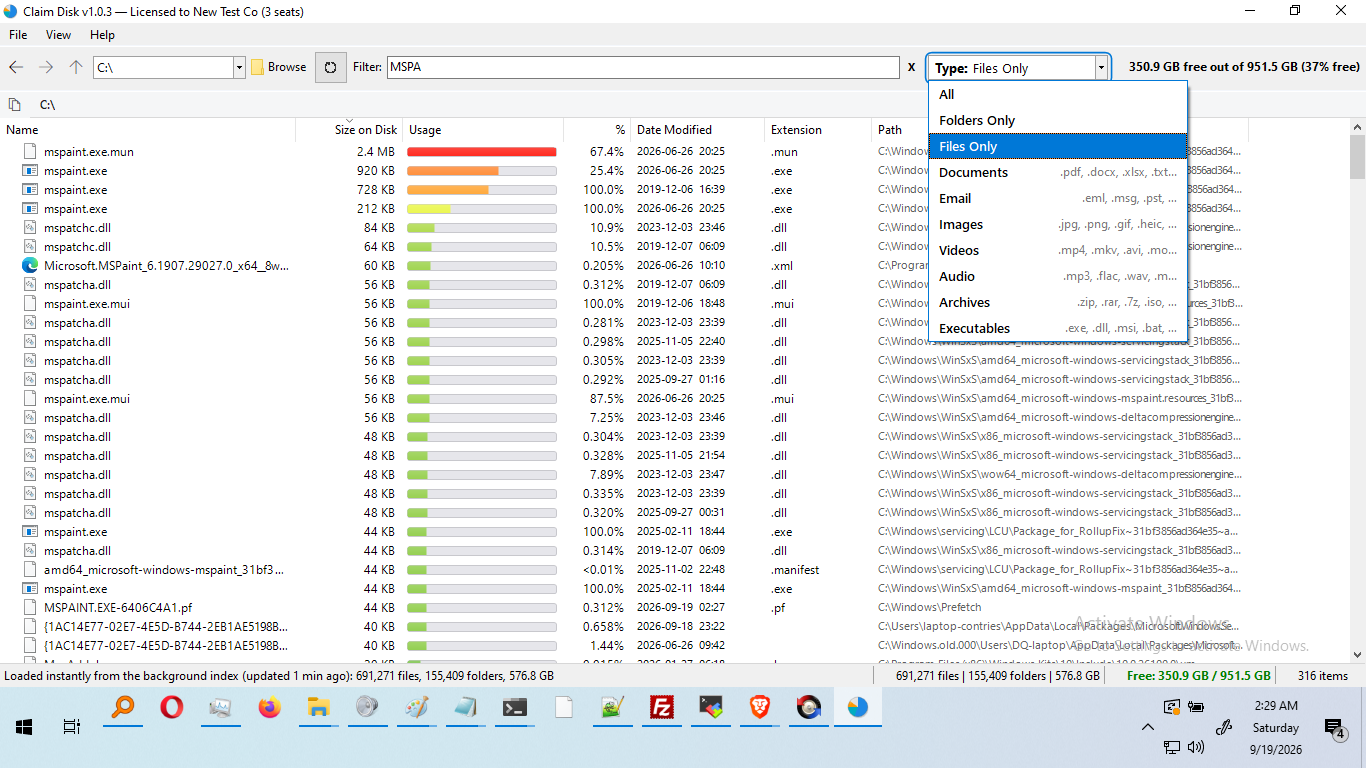
*.iso, report*.pdf or test??.log.C:\Users\*.pdf or Downloads\*.zip.Every filter runs against the index already held in memory, so results appear without reading the disk again. The filter stays with you as you move between folders instead of resetting, and Locate in Tree jumps from any result straight to where it sits on the drive.
Built on a single principle: present the result immediately, then allow it to be acted on without leaving the window.
A background service keeps your drives indexed, so results are on screen when the application opens, and stay current as files change.
With no index ready, the file table is read in one pass instead of folder by folder. Rows appear as they are found, and Stop keeps them.
Compressed and sparse files are counted at what they truly occupy, so the number matches what deleting actually gives back.
File names, file contents and scan results are not sent anywhere, and there is no tracking. A copy used for personal use makes no connection to us; an organization’s copy contacts the license server to activate and re-check its license and, while it is being evaluated, once a week. The privacy notice lists what is sent.
Network drives, memory sticks, external drives, virtual drives and unlocked encrypted drives, each treated as the ordinary drive it appears as and read by the quickest route available.
One setup file. Install it with the indexing service, or choose Run only and start straight away with no administrator prompt.
No features are withheld and nothing stops working. Personal use is free with no time limit, and organizations begin with a free two-week trial.
| Organization license | Seats | Price per seat |
|---|---|---|
| Small organization | 1 to 10 | $19.99 |
| Medium-sized organization | 11 to 49 | $14.99 |
| Large organization | 50 and over | $9.99 |
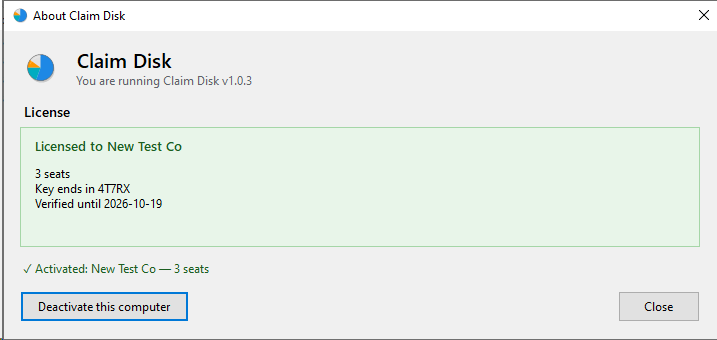
Perpetual and machine-bound, activated once online and valid offline thereafter. · See license options and buy
One setup file for Windows 10 and 11. Install it, or choose Run only and start straight away. Everything it needs to run is included, so there is nothing else to download.
Windows asks for administrator approval only if you choose to install Claim Disk. Choose Run only and it starts without asking for anything.
Each one does a single job properly, in the same plain language, under the same license, with no accounts anywhere.
Shows the devices on your network in about thirty seconds, explains in plain English what is wrong, and fixes it in one click — with a link straight to your own router’s security advisories and firmware.
Visit lanfixer.com →Reach your own PC from anywhere over a direct, encrypted channel between the two machines, using credentials you choose, with no provider or service in the middle.
Visit mypc.direct →Draws the connections your PC makes on a map of the world, shows which program made it, and lets you block an address, a region or a whole country that has no business being there.
Visit mapblocker.com →Send a file straight to someone, computer to computer, with nothing stored in between. Use it in a browser, or install the app to send much larger files.
Visit filesender.io →Hand a whole gallery of photos and videos to family directly from your computer, using one-time codes that expire on their own and can be revoked at any moment.
Visit sending.pics →Paste an email header to trace where the message really came from — every hop, by country and address — and decode what the obscure header codes actually mean.
Visit headerscanner.com →Send a private message as a link that can be opened once and then disappears.
Visit textme.im →Start a private conversation from a single link, encrypted in the browser rather than on a server, with no account and no registration for either side.
Visit instachat.im →A one-time encrypted conversation that opens from a link. No registration and no history.
Visit protected.chat →Free for personal use, all of them. Business, government and non-profit use begins with a free two-week trial.